

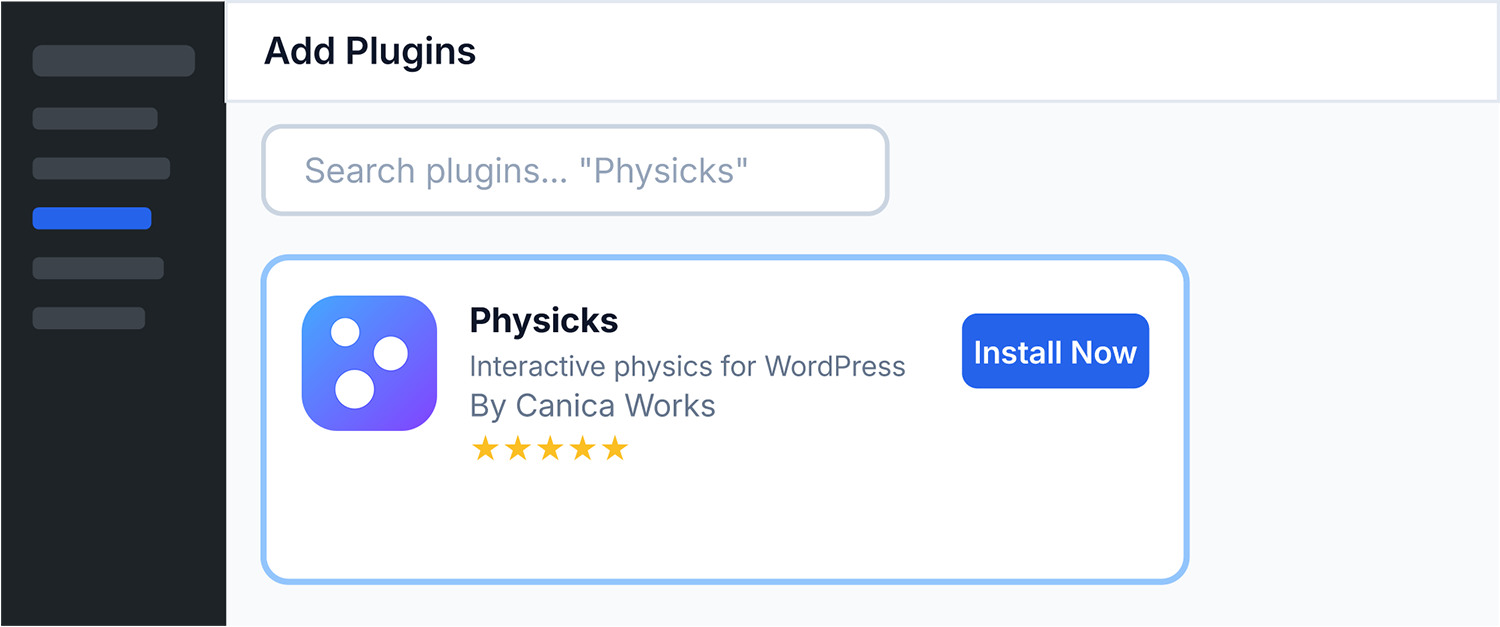
Install from your WordPress admin
The fastest way. No download required. Install directly from your WordPress dashboard in under a minute.
You’re seconds away from creating interactive physics compositions. Pick the installation method that works best for you.
The fastest way. No download required. Install directly from your WordPress dashboard in under a minute.
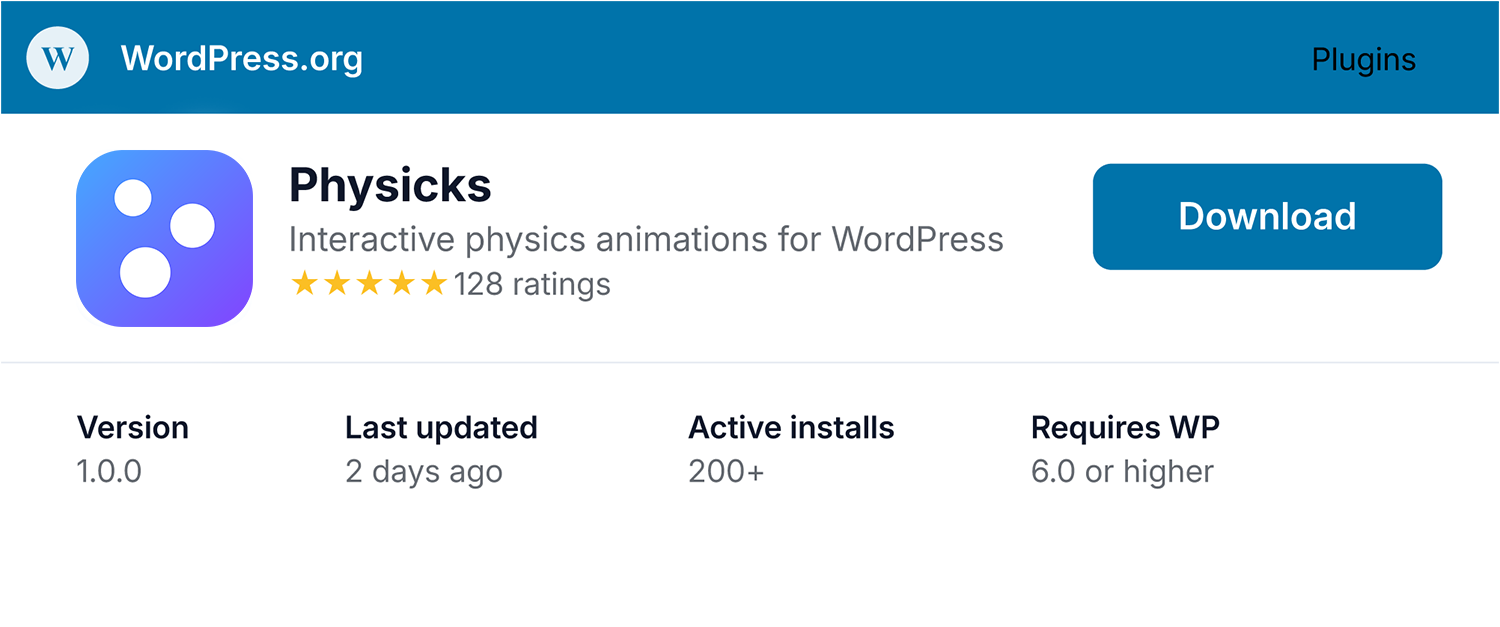
Prefer to download the plugin manually? Get the ZIP file from the official WordPress.org plugin directory.
Here’s where to head next.
Step-by-step instructions to create your first composition and embed it on a page.
Start from one of 8 ready-made templates and customize them to your brand.
A complete tour of the Physicks editor with every panel and option explained.
The Free plan is great for getting started. When you need more — unlimited compositions, premium shapes, advanced physics modes, and priority support — Pro is just €49/year.
Pro
For professionals building production-ready interactive experiences.
Run into a problem during installation? Our documentation covers most issues, and our support team is happy to assist if you can’t find the answer.